
Mobile app
Install HireWire on your phone in 30 seconds.
HireWire installs straight from your browser. No app store and no large download. It opens full-screen, sits on your home screen and updates itself.
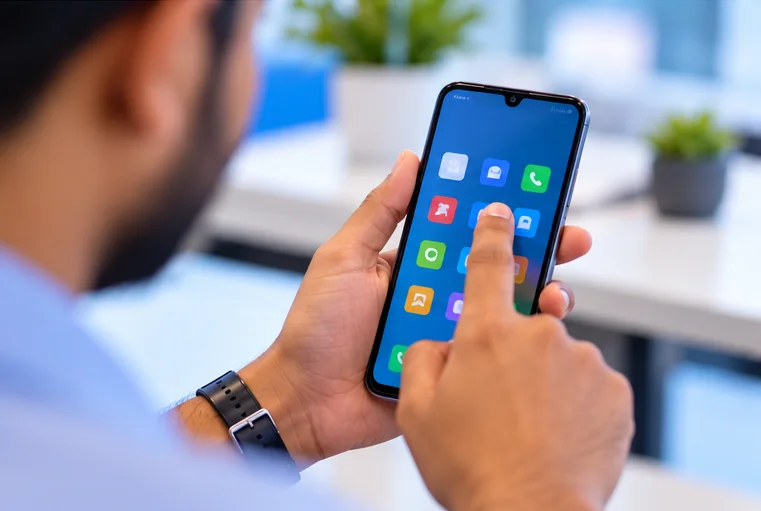
Installation steps
Android phone (Chrome)
Works on any Android phone with Google Chrome.
- Step 1Open in ChromeGo to hirewirehrms.com in Google Chrome.
- Step 2Tap Install nowTap the Install now button on this page, or the ⋮ menu at the top right.
- Step 3Choose Install appSelect Install app (or Add to Home screen) and confirm.
- Step 4Open from home screenThe HireWire icon is now on your home screen. Log in once and you are set.
iPhone or iPad (Safari)
Use Safari. Chrome on iPhone also works on iOS 16.4 and later.
- Step 1Open in SafariGo to hirewirehrms.com in Safari.
- Step 2Tap ShareTap the Share icon (a square with an arrow pointing up) at the bottom of the screen.
- Step 3Add to Home ScreenScroll down, tap Add to Home Screen, then tap Add.
- Step 4Open from home screenOpen HireWire from the new icon. Allow notifications if asked.
Windows or Mac (Chrome / Edge)
Install the admin console as a desktop app.
- Step 1Open in Chrome or EdgeGo to hirewirehrms.com on your computer.
- Step 2Click the install iconClick the install icon at the right end of the address bar.
- Step 3Confirm InstallClick Install. HireWire opens in its own window.
- Step 4Pin itPin HireWire to your taskbar or Dock for one-click access.
Need help installing?
Install button not showing?
Open hirewirehrms.com in Chrome (Android) or Safari (iPhone), not inside WhatsApp or Instagram, then use the manual steps above.
Notifications on iPhone
iPhone notifications need iOS 16.4 or later and work only after HireWire is added to the Home Screen. Open the app from the home screen icon and allow notifications when asked.
Is it on the Play Store or App Store?
Not yet. HireWire installs directly from the browser, which keeps it always up to date with nothing extra to download.